
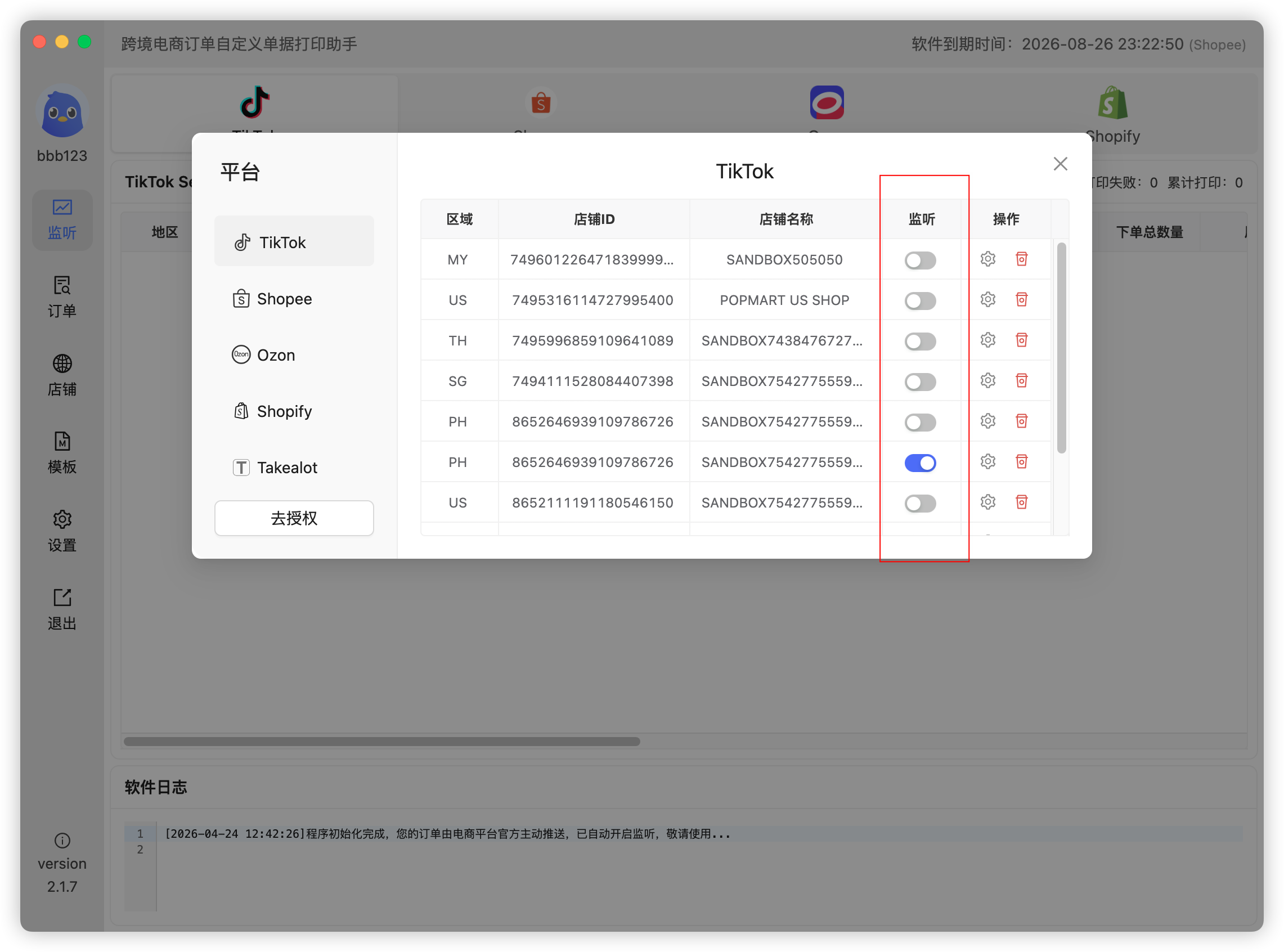
Listening is the switch that receives real-time order pushes. When it is on, an order is pushed to the app the moment a buyer places it, and appears on the Listening page. When it is off, no real-time orders arrive and automatic printing has nothing to work with.
It is not the same as search printing
People often conflate the two, but they are separate paths:
- Listening waits for the platform to push new orders;
- Search printing actively queries orders by date, status and other filters.
So listening being off does not mean nothing can be printed — reprints and backlog orders still work through search. But live orders and automatic tickets require listening.
What happens when it is off
- New orders never appear on the Listening page, which looks like "the platform is not pushing";
- Automatic printing has no input, so nothing prints no matter how well it is configured;
- During live streams or promotions, orders can only be fetched from the admin afterwards — and get missed.
Where to turn it on
In the Stores list, enable the listening switch for each store. Stores are independent: one store switched off only affects that store's pushes.
Listening is not auto-printing
This is the most common misunderstanding. Listening only lets orders in; whether a ticket prints also depends on:
- The Auto Print master switch in Settings;
- A template bound to that store.
All three must hold. Miss one and orders sit in the list. Troubleshooting: Why are new orders not printed automatically?
Listening and status filtering
Listening on does not mean every order arrives. Only the statuses ticked in the order-type listening settings are pushed and printed. The default is usually Awaiting Shipment plus Cancelled; auction and live-stream sellers usually add Unpaid and On Hold — see Are live-stream auction orders supported?
 Or email us: