
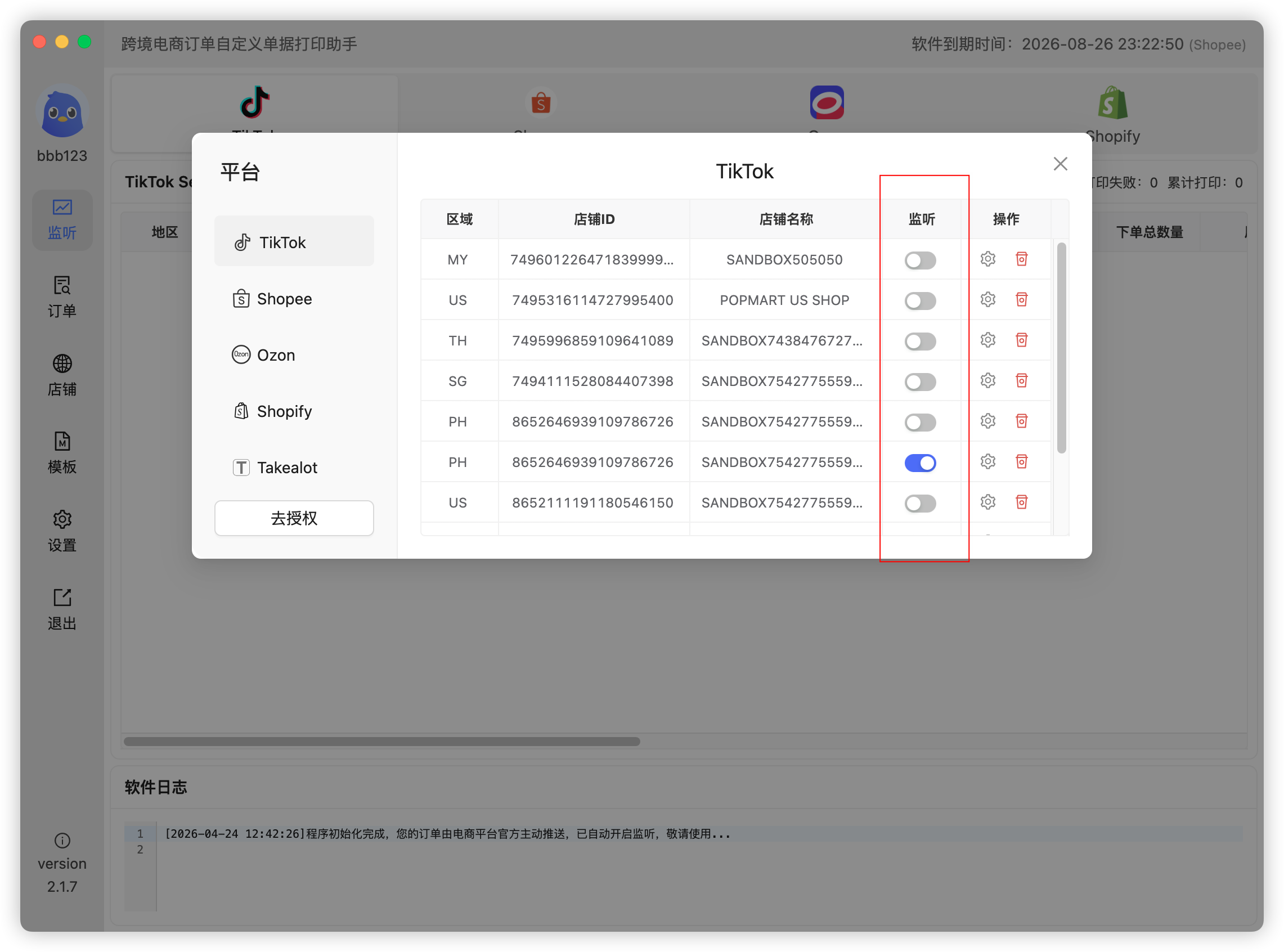
Listening is the switch for receiving real-time order pushes: when enabled, the platform pushes new orders to the app in real time (shown on the Listening page); when disabled, no real-time orders are received and auto-printing will not work.
After store authorization and template design, turn on the listening switch for each store in the Stores list:
For fully automatic printing you also need to enable Auto Print and bind a template — see Why are new orders not printed automatically?
 Or email us: